The Hidden Productivity Drain
Disorganized offices create constant friction: time wasted searching for documents, mental energy drained by visual clutter, professionalism undermined by messy appearance, stress elevated by chaos, and collaboration hindered by inaccessible information.
Studies show disorganization costs 4.3 hours per week per employee in lost productivity, over 200 hours annually. For 100-person company at Rp 50.000/hour average rate, that’s Rp 1 billion in lost productivity yearly.
Yet achieving lasting organization is challenging. Most people understand benefits but struggle with implementation, lacking systems, having inadequate storage, facing ongoing paper accumulation, and battling inconsistent habits.
After helping hundreds of organizations implement successful organization systems, we’ve learned what works: adequate storage infrastructure, clear systems and processes, appropriate technology integration, consistent habits, and ongoing maintenance.
This comprehensive guide provides framework for transforming chaotic offices into organized, efficient workspaces.
The Organization Assessment
Before implementing solutions, assess current state:
Pain Point Analysis: - What gets lost most often? - Where do piles accumulate? - What frustrates people daily? - What prevents finding items quickly? - What looks messy to visitors?
Storage Inventory: - Current storage capacity - Storage types available - Under-utilized spaces - Storage gaps
Workflow Review: - How does information flow? - Where do bottlenecks occur? - What needs frequent access? - What’s archived vs. active?
Understanding problems guides solutions.
Digital-First Philosophy
The Foundation: Digitize everything possible. Paper accumulation is primary organization challenge.
Digital Document Management:
Scanning Strategy: - Scan incoming mail/documents immediately - Use mobile apps for receipts, business cards - Central digital repository accessible to team - Cloud storage (Google Drive, Dropbox, OneDrive) - Proper folder structure and naming conventions
Email Organization: - Inbox zero philosophy - Folder/label system - Filters automating sorting - Archive liberally (search powerful enough finding anything) - Unsubscribe ruthlessly
File Naming: Consistent convention: YYYYMMDD_ProjectName_DocumentType_Version Example: 20250519_ClientProposal_Draft_v2
Benefits: 80-90% reduction in paper storage needs, instant search/retrieval, remote access capability, disaster recovery through cloud backup, and space reclaimed for better uses.
Physical Storage Solutions
Despite digitization, some physical storage needed:
Personal Storage (Per Employee):
Mobile Pedestal (under-desk): 2-3 drawers for personal items, active files, supplies. Lockable for security. Cost: Rp 1-2 juta per person Essential: Yes, everyone needs some personal storage
Desk Drawers: Built-in drawers if desk design includes. Adequate for some users without pedestal.
Personal Locker: Paperless offices with hot-desking provide lockers for belongings. Cost: Rp 800.000-1,5 juta per locker
Shared/Central Storage:
Filing Cabinets: Vertical or lateral cabinets for department/company files. Transition from individual to centralized filing reduces quantity needed. Cost: Rp 2-5 juta per 4-drawer unit
Open Shelving: Books, binders, supplies, displays. More accessible than closed cabinets. Industrial shelving: Rp 1-3 juta per 5-shelf unit
Closed Cabinets: Concealing visual clutter while maintaining access. Better aesthetics than open shelving for client-facing areas. Cost: Rp 3-8 juta per cabinet
Supply Storage: Central supply closet/room reducing individual hoarding. Organized with labeled bins and shelving.
Archive Storage: Off-site or basement for long-term retention. Labeled banker boxes, inventory list.
The Decluttering Process
Step 1: Complete Clear-Out Remove everything from workspace. Start blank slate.
Step 2: Sort Everything Four categories: - Keep (use regularly) - Archive (needed but not frequently) - Digitize (scan then shred) - Discard (truly unnecessary)
Step 3: Digitize First Before deciding to keep paper, ask: “Can this be digital?” If yes, scan and shred.
Step 4: Return Only Essentials Put back only daily-use items. Everything else goes to central storage or archive.
Step 5: Assign Homes Every item needs designated location. Random placement = future clutter.
Organization Systems by Area
Individual Desks:
Surface: Only active project materials, computer/accessories, 1-2 personal items, and desk supplies in organizer. Clear desk = clear mind psychology is real.
Drawers: Top: Frequently used supplies (pens, sticky notes, tape) Middle: Active project files Bottom: Personal items, less-used supplies
Desktop Organization: Desk organizer for supplies (Rp 200.000-500.000), document trays for active papers (Rp 150.000-400.000), cable management (clips, sleeves) keeping wires tidy.
Meeting Rooms:
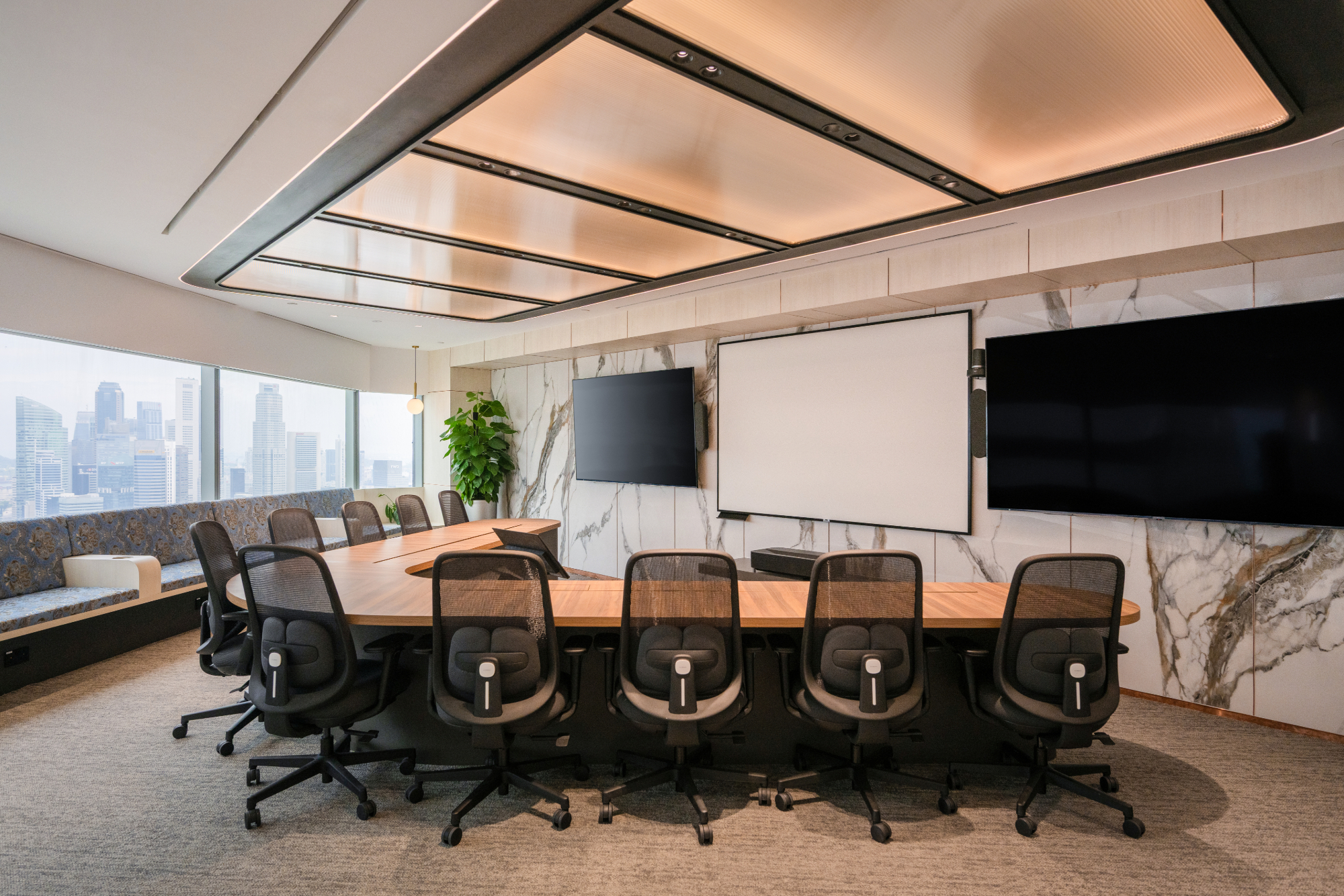
Built-In Storage: Credenza or cabinets holding supplies (markers, notepads, remote controls, cables), equipment (projector, conference phone), and archived materials from past meetings.
Whiteboards: Wall-mounted with markers/erasers always available.
Technology: Cables organized in table grommets or cable trays, charging stations for devices, and remote controls in designated spots.
Break Rooms/Pantries:
Food Storage: Labeled shelves for personal items in fridge, regular cleanouts (weekly fridge purge), and clearly marked communal vs. personal.
Supplies: Central location for utensils, plates, napkins, coffee/tea supplies, and cleaning supplies.
Waste Management: Adequate bins for trash, recycling, compost (if applicable), and convenient locations preventing counter accumulation.
Reception Areas:
Behind-the-Scenes Storage: Cabinets concealing brochures, forms, supplies, packages/mail awaiting pickup.
Display Storage: Attractive shelving for curated materials, awards, product samples if applicable.
Common Areas:
Coat/Bag Storage: Hooks or lockers preventing chair-back accumulation.
Shared Supplies: Central supply closet/cabinet reducing individual desk hoarding.
Mail/Package Area: Designated table/shelves preventing lobby clutter.
Technology Integration
Document Management Systems: Software organizing digital files beyond simple folders. Options: Google Workspace, Microsoft 365, specialized DMS platforms Benefits: Version control, access permissions, advanced search, workflow automation
Project Management Tools: Asana, Monday, Trello organizing tasks and projects. Reduces paper to-do lists and scattered notes.
Cloud Storage: Universal access eliminating “it’s on my computer” unavailability. Team folders for collaboration. Personal folders for individual work.
Digital Calendars: Replace paper planners with Google Calendar, Outlook. Shared calendars for meeting rooms, team availability.
Note-Taking Apps: Evernote, OneNote, Notion replacing paper notebooks. Searchable, accessible anywhere, shareable.
Habits & Maintenance
Daily: - Clear desk at end of day (5-minute tidy) - Process incoming papers immediately (scan, file, discard) - Emails to zero or near-zero - Supplies returned to homes - Meeting materials filed or disposed
Weekly: - Review and purge unnecessary papers - Organize digital folders - Wipe down surfaces - Supply inventory and restock
Monthly: - Deep desk/cabinet organization - Purge old files (personal and shared) - Review systems effectiveness - Adjust as needed
Quarterly: - Major declutter review - Archive old project materials - Technology cleanup (old files, emails) - System optimization
Organization Culture
Individual responsibility is foundation, but culture matters:
Leadership Modeling: Executives maintaining organized spaces sets example. Clean desk policies for leadership first.
Onboarding: Train new employees on organization systems from day one. Provide proper storage and tools.
Shared Accountability: Team cleaning days quarterly, peer accountability for shared spaces, and recognition for well-maintained areas.
Adequate Resources: Don’t expect organization without sufficient storage, scanning equipment, and time allocated for maintenance.
Budget for Organization
Starter Organization Investment (20-person office): - Personal storage (pedestals): 20 × Rp 1,5 juta = Rp 30 juta - Shared storage (cabinets, shelves): Rp 10 juta - Desk organizers & accessories: 20 × Rp 300.000 = Rp 6 juta - Scanner for digitization: Rp 3 juta Total: Rp 49 juta
ROI: Recover 4.3 hours/week/person = 86 hours/week saved 86 hours × Rp 50.000/hour × 52 weeks = Rp 223 million annual productivity recovery
Payback period: ~3 months
Common Organization Mistakes
Mistake #1: Insufficient Storage. Expecting organization without adequate storage capacity. Can’t organize what has nowhere to go.
Mistake #2: Complex Systems. Over-engineered organization requiring too much maintenance. Simple systems sustain.
Mistake #3: No Digitization. Trying to organize mountains of paper instead of eliminating it through scanning.
Mistake #4: One-Time Effort. Massive clean-up without ongoing maintenance. Chaos returns within months.
Mistake #5: Individual Problem Framing. Treating as personal failings rather than systemic issue requiring infrastructure and systems.
Mistake #6: Aesthetics Over Function. Instagram-worthy organization that doesn’t match actual workflow.
Measuring Success
Quantitative: - Time to find documents (before vs. after) - Square footage reclaimed from paper reduction - Supply costs (reduced waste from over-purchasing)
Qualitative: - Employee satisfaction surveys - Visitor feedback on professionalism - Stress levels (self-reported) - Collaboration ease
Observation: - Visual inspection of workspace appearance - Sustained organization over time - System adoption rates
Conclusion
Office organization is systematic challenge requiring infrastructure (adequate storage), digitization (eliminate paper), clear processes (filing systems, workflows), consistent habits (daily maintenance), and cultural support (leadership modeling, shared accountability).
Investment is modest, Rp 1,5-2,5 juta per person for adequate storage and organization tools, delivering ROI through productivity recovery often within 3-6 months.
The goal isn’t perfection but functional organization enabling efficient work, reduced stress, and professional appearance.
At AI Associates, organization systems are designed into office layouts ensuring adequate storage, efficient workflows, and maintainable order.
Contact us for office organization consultation transforming chaotic spaces into efficient, professional environments.